01Banking
Regulatory circulars
A compliance team summarises a new circular, compares it with the current policy and drafts the internal note, with a person signing off every point.
Keeps: a circular-comparison Project.
Quick answer: a good Claude AI workshop gets people using Claude on their own work, not watching demos. It covers Projects for recurring work, Skills that create real Excel, Word and PowerPoint files, research and long-document analysis, connectors, Claude Cowork for multi-step file work and Claude Code for engineers. This guide gives sample agendas, formats, costs and a checklist for choosing a trainer. Hitesh Motwani runs hands-on Claude workshops onsite in India and the UAE, and live online.
Individuals: join the live Claude Mastery batch. Reserve a seat →


Teams at these organisations have trained with Hitesh Motwani and Skillopedia













200,000+ professionals · 16+ countries · 4.8★ average session rating · Corporate clients include Google, Microsoft & Tata Group
A Claude AI workshop is a live, hands-on session where a team learns to use Anthropic’s Claude on the work they already do. The best ones are built around participants’ real tasks, run inside the Claude plan the company has bought, and end with workflows people use the next morning.
Most teams that buy Claude Team or Enterprise seats see the same pattern: a burst of curiosity, a few impressive answers, and then people drift back to using it as a smarter search box. The features that change how work gets done, such as shared Projects, Skills that produce finished files, connectors to company tools and Claude Cowork, sit unused because nobody showed people how they fit their job.
That gap is what a workshop closes. You typically need one when:
Workshop or course? A workshop is a focused session, from a half-day to a few days, built around one team’s work. A Claude AI training course runs a broader syllabus over several sessions. Many companies start with a workshop for one team, then turn it into a course for the rest.
Claude has moved well beyond a chat window. A workshop that only teaches prompting leaves most of the value on the table. These are the features worth hands-on time, and the exercise that makes each one stick.
| Claude feature | What it does | Workshop exercise |
|---|---|---|
| Projects | Keep files and instructions together, so every chat in the project starts from the same context. Shareable with colleagues on Team and Enterprise plans | Build a Project for one recurring report, client or department, with the files and instructions it needs |
| Skills | Packaged instructions Claude loads when a task needs them. Built-in Skills create and edit Excel, Word, PowerPoint and PDF files; teams can write custom Skills | Turn a monthly deliverable into a finished spreadsheet or deck, then package the process as a custom Skill |
| Long documents and analysis | Read, compare and summarise long policies, contracts, reports and data files | Compare two versions of a policy or contract and produce a change summary with every point checked |
| Research | Search and synthesise information across sources, with citations to check | A short research brief on a market, competitor or regulation, verified source by source |
| Artifacts | Documents, slides, designs and small apps created from a chat and refined in place | Draft a one-page brief or a simple calculator the team can reuse |
| Connectors and MCP | Connect Claude to tools such as Google Workspace, Slack, Notion and GitHub, or to internal systems through custom MCP servers | Pull context from an approved tool into a draft, with the right permissions |
| Claude Cowork | Runs in the Claude desktop app on paid plans. Works in folders you choose: reads, organises and edits files and produces reports, spreadsheets and decks | Point Cowork at a folder of sanitised files and have it assemble a first-draft report for review |
| Claude for Excel | Analysis and changes inside your own workbook, on paid plans | Clean a data set, build a summary and explain each formula |
| Claude Code | Reads a codebase, edits files and runs commands, in the terminal, IDEs, the desktop app and the web, and in GitHub Actions | Explain an unfamiliar module, write tests and propose a refactor, with every change reviewed |
Feature availability depends on your Claude plan (Free, Pro, Max, Team or Enterprise) and on what your admin has enabled. Claude Cowork, Claude Code and Claude for Excel need a paid plan, so check access before the day. Product details as of October 2026.
Every agenda is rebuilt around your team’s tasks and plan, but these show the shape. Roughly a third of the time is explanation and two-thirds is practice on real work.
| Time | Session | What people do |
|---|---|---|
| 0:00 | Set-up and model choice | Log in to the company plan, choose the right model for each kind of task, agree the data rules for the day |
| 0:30 | Prompts that give checkable output | Rewrite one of their own tasks as a structured brief: role, context, constraints and the format they need |
| 1:15 | Projects for recurring work | Build a Project with the files and instructions for a weekly report or a client |
| 2:00 | Break | |
| 2:15 | Skills and finished files | Produce a real spreadsheet or deck from their own content, then check every figure |
| 3:00 | Safe use | What never goes into Claude, how to review outputs, and when to ask |
| 3:30 | Your workflow | Each person leaves with one workflow they will use the next morning, and a 30-day practice plan |
| Block | Morning | Afternoon |
|---|---|---|
| Foundations | Model choice, prompting on own tasks, data rules | |
| Work products | Projects for recurring work; Skills for Excel, Word and PowerPoint | Long-document comparison and research briefs with citations |
| Going further | Connectors to approved tools; Claude Cowork on a folder of sanitised files | |
| Automation | Turning a repeated process into a custom Skill, and where agents fit | |
| Close | Team prompt library, review rules and a 30-60-90 day plan |
| Engineering track | What developers practise |
|---|---|
| Claude Code basics | Explore and explain a repository, plan a change, edit across several files |
| Tests and refactoring | Write tests first, refactor with Claude, review every diff before it merges |
| Team rules | Shared instructions for the repository, security boundaries and what Claude may run |
| Automation | Claude Code on pull requests and issues through GitHub Actions |
| APIs and MCP | The Claude API, custom Skills and MCP servers for internal systems |
Engineering-only programme: Claude Code training · Desktop agent for business teams: Claude Cowork training
People adopt Claude fastest when they see it doing their own job. Each function practises on its own work and keeps the result.
| Team | Claude workshop exercise | What they keep |
|---|---|---|
| Finance | Variance commentary from the month’s numbers, with every figure traced back to the source file | A commentary Project and a checking routine |
| HR | Job descriptions and policy answers drafted from the company handbook | An HR Project and rules on employee data |
| Sales | Account research and a proposal draft from past proposals and call notes | A proposal Skill and follow-up templates |
| Marketing | Campaign briefs and content variations in the brand voice | A brand-voice Project |
| Legal | A first read of a contract against the standard template, with clauses flagged for a lawyer | Review prompts and a citation-checking rule |
| Operations | Weekly MIS narrative assembled by Cowork from a folder of reports | A repeatable Cowork workflow |
| Consulting and research | Long reports summarised and compared, with a research brief on one question | Research prompts and a source-checking habit |
| Engineering | Claude Code on a real repository: explain, test, refactor | Repository rules and review prompts |
Illustrative exercises of the kind Hitesh runs. They show the method, not promised results: what people do in the room and what they keep.
A compliance team summarises a new circular, compares it with the current policy and drafts the internal note, with a person signing off every point.
Keeps: a circular-comparison Project.
A quality team compares two versions of an SOP, lists the changes and drafts training questions for staff.
Keeps: document-comparison prompts and a review routine.
A delivery team turns an RFP into a response outline, and sprint notes into a client-ready status report.
Keeps: a proposal Skill and a status workflow.
A leadership office assembles a monthly board pack from several reports, then checks every number before it goes out.
Keeps: a board-pack Project with review rules.
Most Indian companies end up with more than one AI tool. The honest answer is to train on what you have licensed, then show people which tool suits which task. Hitesh is vendor-neutral and sells none of them.
| If your team mainly needs to… | Claude | ChatGPT | Microsoft Copilot |
|---|---|---|---|
| Work with long documents and careful analysis | A common reason teams add Claude | Capable | Strong inside Microsoft 365 files |
| Produce finished Excel, Word and PowerPoint files | Skills create and edit them | Can create files | Works directly inside Office apps |
| Code and review software | Claude Code for agentic coding | Codex and coding features | GitHub Copilot |
| Automate multi-step file work | Claude Cowork on the desktop | Agent features | Copilot Studio agents |
| Stay inside one company suite | Connectors and MCP | Apps and connectors | Native to Microsoft 365 |
Feature sets change every few months, so treat this as a starting point and test on your own tasks. If you are still deciding, a short comparison session on two or three real tasks per team is the fastest way to choose. For other tools, see ChatGPT training and Microsoft Copilot training.
Tell us who is attending, which Claude plan you use and what they should be able to do afterwards. You will get a suggested agenda built on your tasks, the format that fits and a quote. Prefer to talk first? Book a free call.
Corporate Claude workshops are quoted per engagement, not per seat on a public timetable. What changes the price: the number of people and batches, onsite or online delivery and travel, how much is customised to your work, and whether an engineering track or follow-up clinics are included.
| Format | Typical length | Best for | Where |
|---|---|---|---|
| Half-day Claude workshop | About 4 hours | One team’s first hands-on session | Onsite or live online |
| Full-day Claude workshop | 6–7 hours | Projects, Skills, research, connectors and Cowork on real work | Onsite preferred |
| Multi-session programme | Several sessions over weeks | Several teams, or both business and engineering tracks | Mixed |
| Claude Code track | One to three days | Developers adopting agentic coding | Onsite labs, online follow-ups |
| Leadership briefing | 90 minutes to half a day | Sponsors deciding where Claude fits and how to govern it | Onsite |
| 1-to-1 coaching or live batch | A short series, or the Claude Mastery batch | Individuals | Live online |
Who is attending, your Claude plan and data rules, and the tasks that take the most hours.
A written agenda built on your real documents, with every exercise named in advance.
Hands-on labs where people build Projects, files and workflows from their own work.
Clinics at 30, 60 and 90 days, and a champion network, so usage keeps climbing.
The best Claude AI training is the one that changes how your people work a month later. These questions separate a useful workshop from a slide show.
| Ask the trainer | A weak answer | A strong answer |
|---|---|---|
| Will people work on their own tasks? | “We use realistic examples.” | Yes, on sanitised copies of their own files, named in the agenda |
| Which Claude features will you cover? | “Prompt engineering.” | Projects, Skills, research, connectors, Cowork and, for engineers, Claude Code |
| Will you use our Claude plan? | Free consumer accounts | Your Team or Enterprise plan, with your admin settings |
| Are you certified by Anthropic? | “Yes, an Anthropic Certified Trainer.” | An honest answer: Anthropic does not certify trainers, so judge by sessions you can see and references |
| How do you handle our data? | Not discussed | Rules that match your policy and the DPDP Act, with human review for regulated work |
| What happens after the workshop? | “You get the slides.” | Follow-up clinics, a prompt library and a usage check after 30 days |
Red flags: “Anthropic Certified Trainer” claims (Anthropic’s certifications, such as Claude Certified Architect, are not trainer credentials); guaranteed productivity numbers before anyone has seen your work; one deck for every team; and exercises with real customer data on personal accounts. To compare named trainers, see the best Claude AI trainers in India.
A workshop should leave people confident about what may go into Claude, not nervous or careless.
Note: this is a general overview, not legal advice. Check your Claude plan’s data settings with your admin, and your obligations with your legal or compliance team.
A taste of the prompt library teams leave with. Each one works best inside a Project with the right files attached, and every output still needs a human check.
| # | Use it for | Copy-ready prompt (replace the [brackets]) |
|---|---|---|
| 1 | A structured brief | You are a [role] at [company type]. Using the attached [file], produce [deliverable] for [audience]. Keep it under [length], use [format], and list any assumptions at the end. |
| 2 | Checking numbers | Check every figure in this draft against the attached [source file]. List any figure you cannot find or that differs, with the cell or page reference. |
| 3 | Comparing versions | Compare [document A] with [document B]. List every change in a table: section, old text, new text, and why it matters for [team]. |
| 4 | Meeting to actions | From these notes, list decisions, actions with owners and dates, and open questions. Flag anything that sounds like a commitment we have not agreed. |
| 5 | Project instructions | For this Project, always use our [house style], answer in [language], cite the file you used, and say “not in the files” rather than guessing. |
| 6 | A first-draft deck | Turn this [report] into a [number]-slide deck for [audience]: one message per slide, a title that states the point, and speaker notes with the supporting numbers. |
| 7 | A spreadsheet summary | Analyse the attached [data file]. Summarise the three biggest changes since [period], show the working, and suggest one chart for each. |
| 8 | A research brief | Research [question]. Give a one-page brief with sources for every claim, and separate what is established from what is opinion. |
| 9 | A reusable Skill | Here is how we prepare [monthly deliverable], step by step. Turn it into instructions another colleague could follow exactly, and list the files it needs. |
| 10 | A safe-use check | Before I share this with [audience], list anything that looks like personal data, confidential numbers or a claim that needs a source. |
| When | What happens | Who owns it |
|---|---|---|
| Week 1 | Everyone uses their new workflow on at least three real tasks; Projects are shared with the team | Each participant |
| Day 30 | First clinic: fix what is not working, add prompts to the team library, check usage | Trainer and team champion |
| Day 60 | Second clinic: turn the most repeated tasks into custom Skills or Cowork workflows | Champion network |
| Day 90 | Third clinic: compare with the day-zero baseline and agree the next teams to train | Sponsor and L&D |
Habits form after the workshop, not during it. That is why the plan matters as much as the session: usage should go up in the weeks after training, and the sponsor should be able to see it.
Hitesh trains teams on Claude the way he trains on every tool: on their own work, with the output checked in the room.
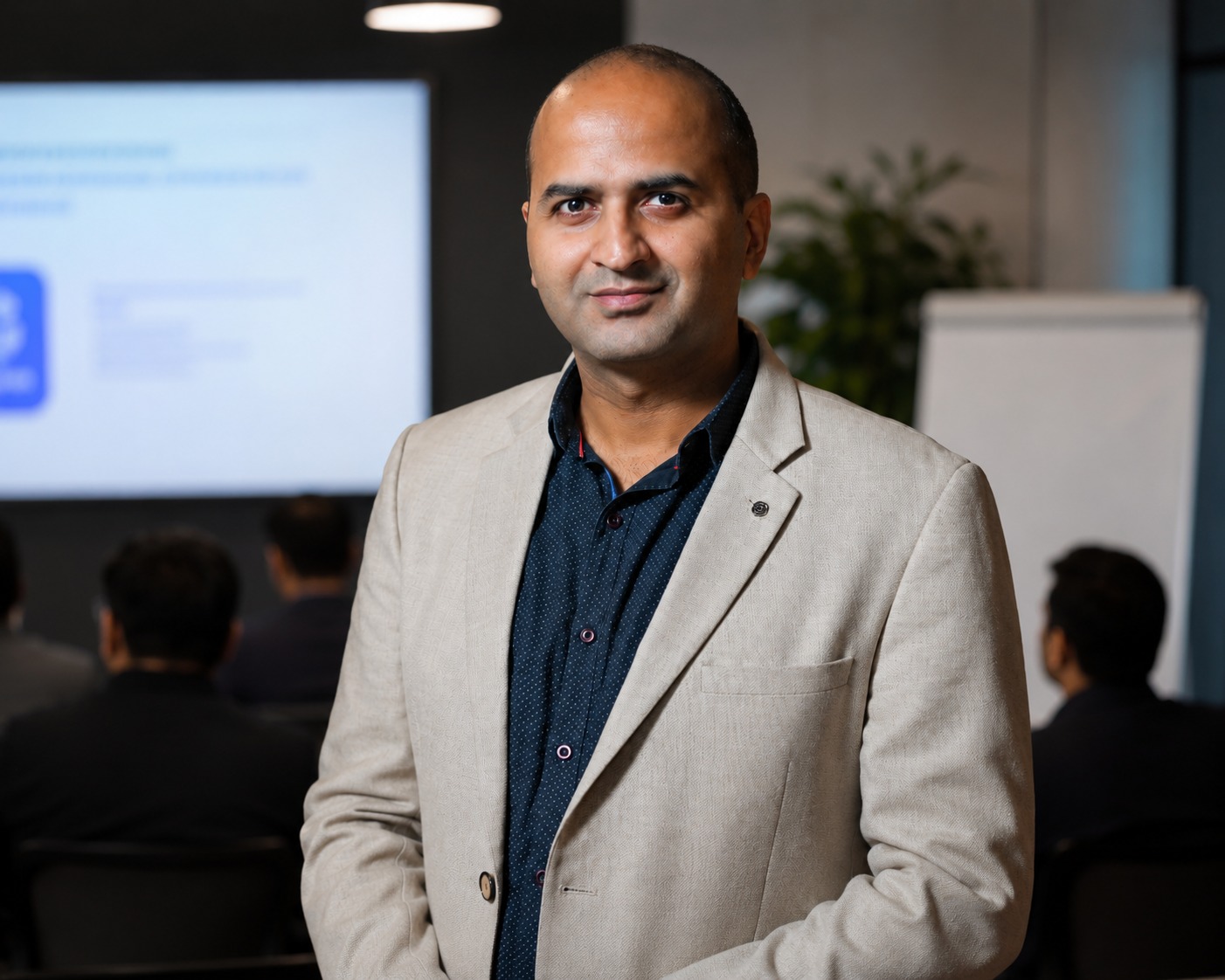
Hitesh Motwani, corporate AI trainer, Mumbai and Dubai
Corporate AI trainer · Author · Chief AI Officer, Skillopedia
Teaches: Claude Projects, Skills, Cowork, Claude Code and connectorsHitesh’s sessions are built around one outcome: people leave able to do their own work faster. Participants bring their reports, proposals, spreadsheets and decks, build Claude Projects and files around them, and keep everything they make. The routine parts of each role take less time, and the organisation executes faster.
“Hitesh’s Claude AI session was the most practical AI training our leadership team has attended. They walked out with actual workflows they could use the next morning, not just slides.”
“The Agentic AI and Connectors module blew our team’s minds. We had no idea Claude could be plugged into Slack and Salesforce to run entire workflows automatically.”
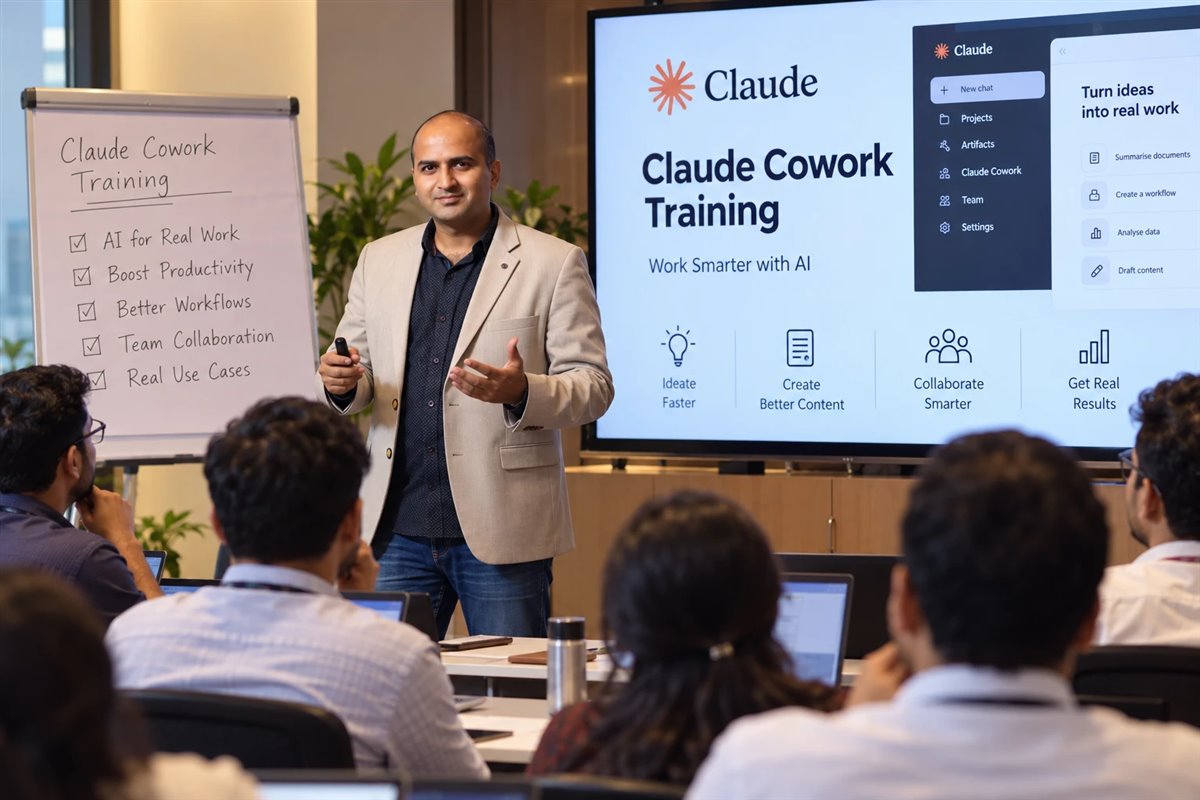
Hands-on Claude workshop, India
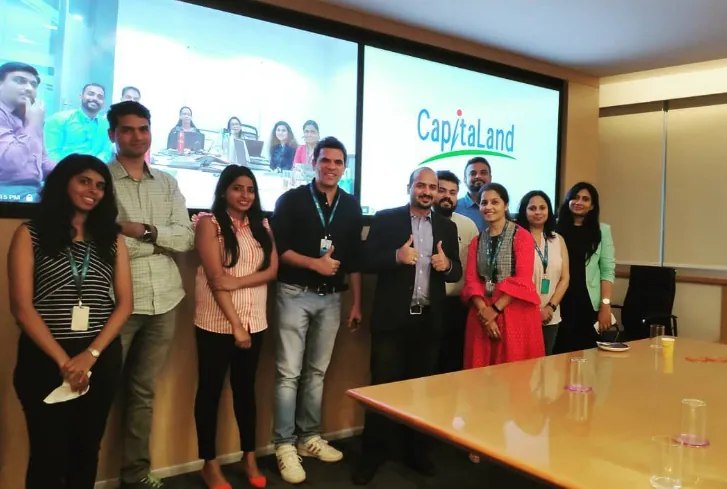
Corporate training, CapitaLand, Bengaluru
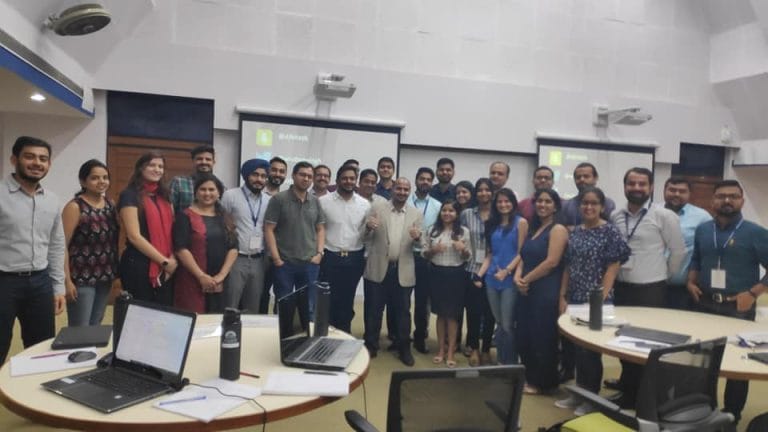
Training CMOs, IIM Bangalore
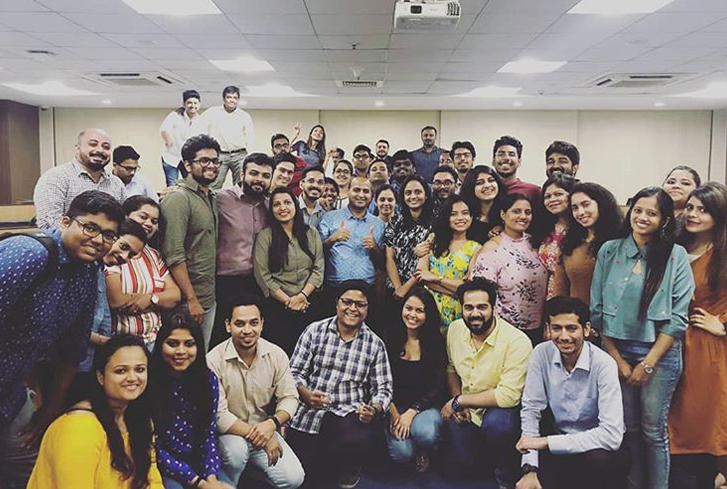
A corporate cohort after a hands-on programme
Planning a Claude workshop for your team? Send a short note about who is attending and which plan you use, and we will suggest the right format.
A live, hands-on session where a team learns to use Anthropic’s Claude on its own work: Projects for recurring tasks, Skills that create Excel, Word and PowerPoint files, research and long-document analysis, connectors, Claude Cowork and, for engineers, Claude Code.
Usually a half-day (about four hours) or a full day. Teams that want Cowork, connectors and automation, or an engineering track, take a multi-session programme over a few weeks.
Corporate workshops are quoted per engagement, based on the number of people and batches, onsite or online delivery, customisation and any engineering track or follow-up clinics. Send a short brief to get a written agenda and quote.
The basics work on the free plan, but Claude Cowork, Claude Code and Claude for Excel need a paid plan (Pro, Max, Team or Enterprise), and sharing Projects needs Team or Enterprise. Check access before the day.
No, not for the business track. The engineering track expects comfort with Git and a terminal, and Claude Code installed or access arranged beforehand.
A workshop is a focused session built around one team’s work. A course runs a broader syllabus over several sessions. See the Claude AI training course for the longer format.
No. Anthropic offers learning through Anthropic Academy and certifications such as Claude Certified Architect, but it does not certify independent trainers. Treat “Anthropic Certified Trainer” claims with caution, and judge a trainer by sessions you can see and by references.
Train on what your company has licensed. Many teams use both, plus Microsoft Copilot, so a good workshop shows which tool suits which task instead of selling one. See the comparison.
Yes. Hitesh runs Claude workshops at company offices across India and the UAE, and live online. City pages: Claude AI training in Bengaluru, Hyderabad, Delhi and Dubai.
Exercises use sanitised copies of participants’ own files, inside the Claude plan and settings your admin has approved, with rules that match your data policy and the DPDP Act. Regulated work always keeps human review.
Yes. The engineering track covers Claude Code in the terminal and IDE, tests and refactoring, repository rules, GitHub Actions, the Claude API and MCP. For an engineering-only programme, see Claude Code training.
Yes, through 1-to-1 coaching or the live Claude Mastery batch, with weekday and weekend timings.
Participants receive a Skillopedia Claude AI training certificate on completion. It is a training certificate, not an Anthropic certification.
Tell us who is attending, which plan you use and what they need to deliver. You will get a written agenda built on their real work, and a clear quote.
Onsite across India and the UAE · Live online worldwide
Choose a slot that suits you. The call is free, takes about fifteen minutes and there is no obligation.
Calendar not loading? Open the booking page.
Tell us the team, the Claude plan and the outcome you want. You will get an agenda with every exercise named, the right format and a quote.
WhatsApp us